The fastest
notes on your desktop.
The fastest note app on your desktop. A million notes, found before you finish typing. Open the app and it's already there - no spinner, no sign-in, no waiting. Your notes stay on your machine. That's the whole pitch.
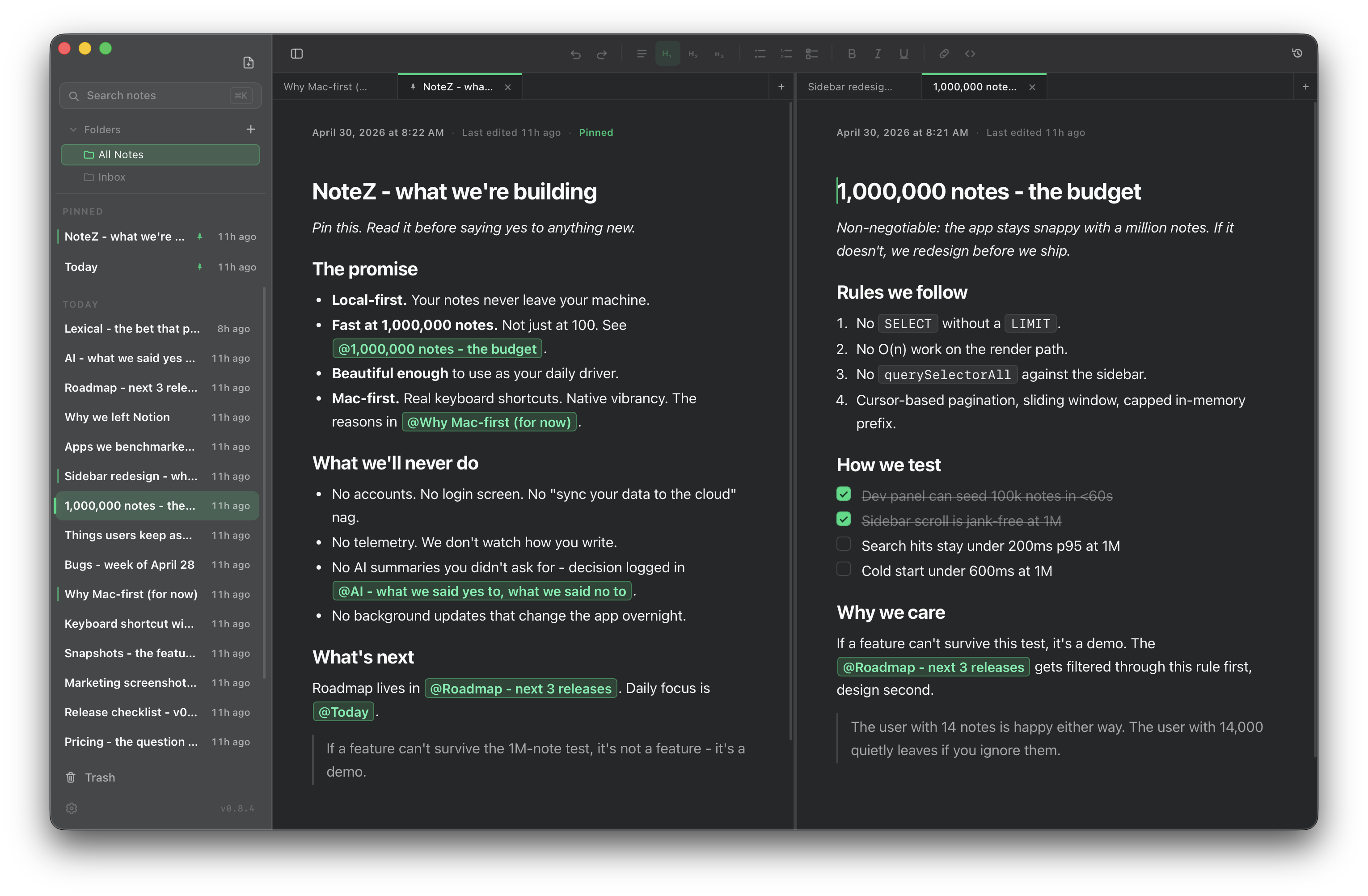
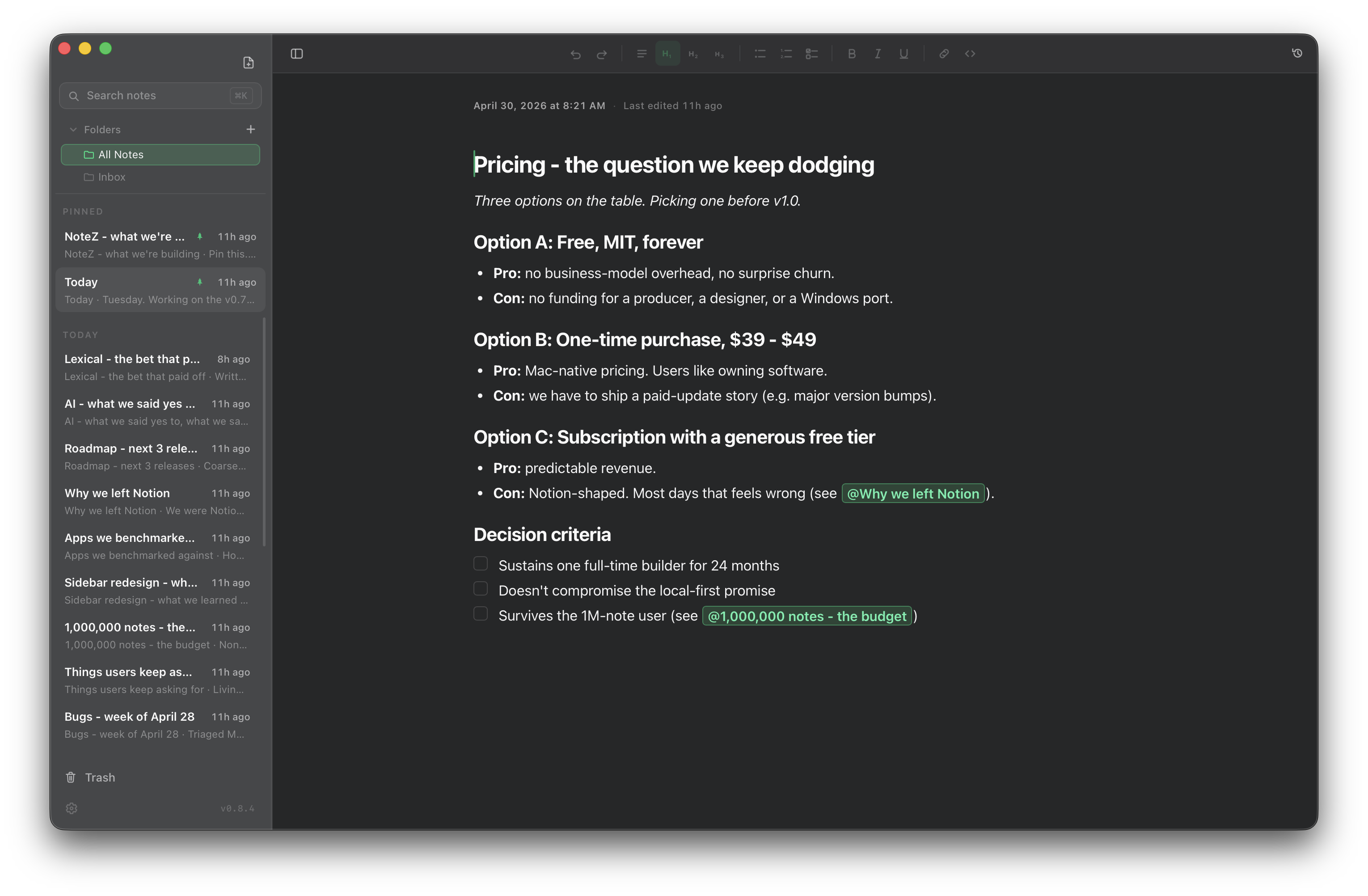
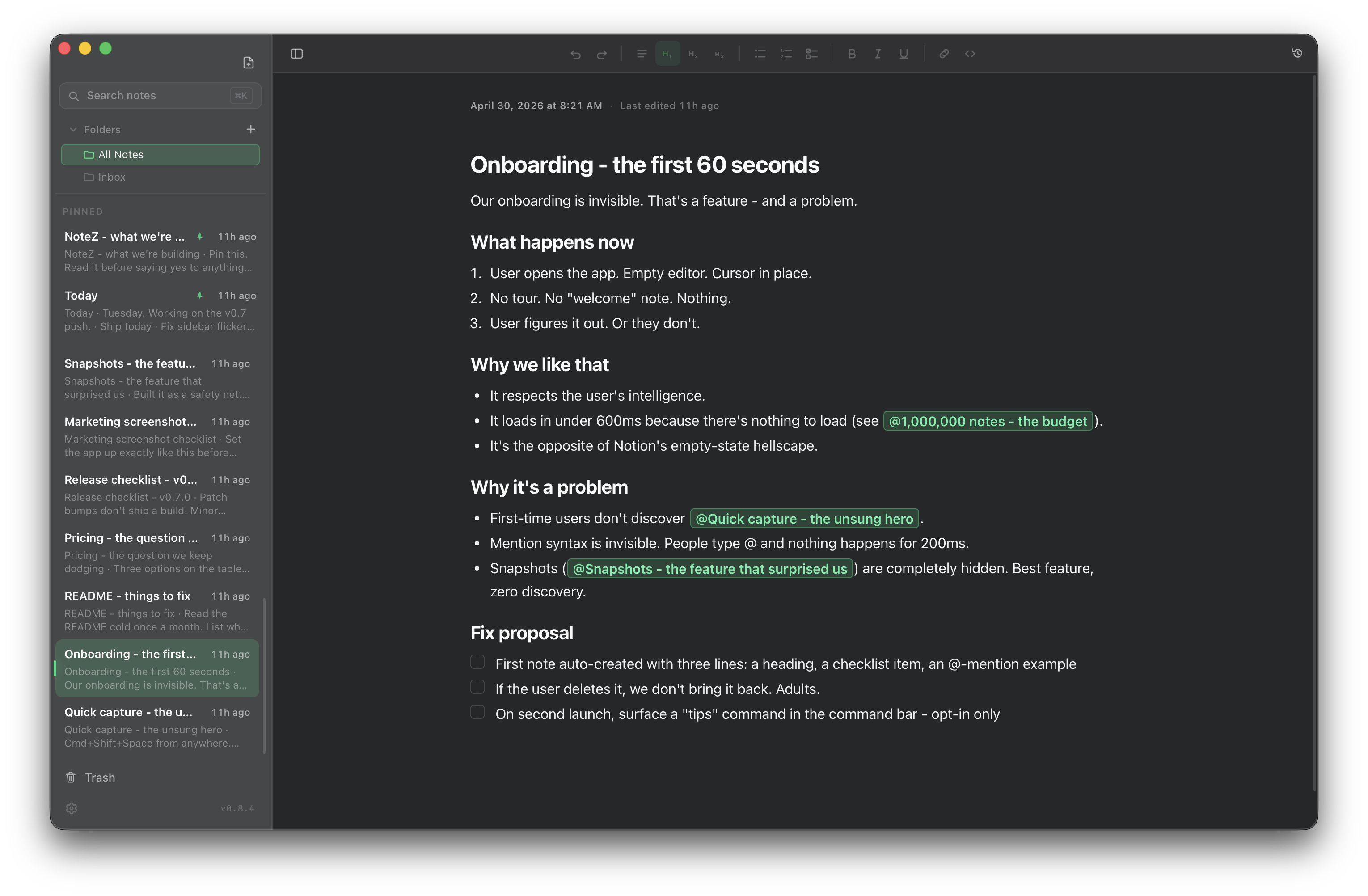
Just write. Headings, bullets, mentions - all the formatting, none of the noise.
Most note apps slow down once you have a few thousand notes.
NoteZ doesn't.
We measure every feature against one user: the one with a million notes. If a feature can't survive that, it doesn't ship. Searching, scrolling, opening, switching - all of it has to feel the same on note one and on note one million. So that's how we built it.
Native, lightweight, no telemetry. The whole app is about the size of a single photo.
The fastest note app you'll use.
Six things we obsess over. Performance is in five of them.
Search that keeps up with you
Results appear while you're still typing. One note, ten thousand, a million - it stays the same.
Open it. It's already there.
No splash screen. No loading. Click the icon and start writing in the same breath.
Smooth, every scroll
Sidebar, search, trash, history. A million entries scroll like ten. You won't notice it - that's the point.
Yours, only yours
Your notes live on your machine. No cloud. No account. No internet needed. Ever.
Mentions that just work
Type @ anywhere to link a note to another. Click to jump. Build a web of ideas without folders.
Quietly remembers everything
Snapshots every few minutes. Up to 50 versions per note. The trash holds for 30 days. Nothing is ever truly gone.
Designed for the user with a million notes.
Every feature has to survive that test. If it can't, it doesn't ship. That's why search feels instant at any size, why the sidebar never stutters, and why the whole app stays out of your way.
Things people ask.
NoteZ is a desktop app. The first build is for Mac; Windows and Linux are next - same speed, same feel, same notes file. Cross-platform was a day-one decision, so the wait won't be long.
Because we don't pay for an Apple Developer signature yet - macOS is just being cautious. One line in Terminal clears it for good:
xattr -cr /Applications/NoteZ.app
You only do this once. After that, NoteZ opens like any other app.
In a single file on your machine. Back it up however you back things up; drop it in iCloud Drive or Dropbox if you want it on a second computer; copy it to a USB stick. It's just a file - it's yours.
Not yet. Proper end-to-end encrypted sync and a phone companion are on the roadmap - just later. Local comes first. For now, dropping the notes file into iCloud Drive or Dropbox works fine if you only use one machine at a time.
Yes. Open source, no paid tier. If that ever changes, the version you have today stays free forever.
Coming. NoteZ was built cross-platform from day one - the OS-specific touches are isolated, so the next builds aren't a downgrade. When Windows and Linux land, they'll feel exactly as fast as the first build.
Narrow and opt-in. No silent summaries. No "let me rewrite that for you." If we add an AI feature, you'll have asked for it.
Read the code. Open an issue. Send a PR.
NoteZ is open source and built in the open. Read the code, open an issue, send a fix - or just look around. The whole app is about the size of a single photo.